
Your needs, this model
Does it fit your priorities?
Will the DIY 2 scan my planned surface?
The reviewed manufacturer page names drywall and plywood and excludes lath/plaster, concrete, tile, brick, metal-backed walls and stucco. A supported material is not a guarantee for every thickness or finish.
Explore this need in the finder →What does it show when scanning?
Walabot offers Images and Expert app views and describes center/edge interpretation. The phone display is evidence to cross-check, not a material identity or safety certification.
Explore this need in the finder →Does the four-inch figure mean it finds studs four inches deep?
No stud-specific maximum was established in the reviewed maker sources. The four-inch figure is a general object-depth ceiling and stays separate from the finder’s numeric stud-depth slider.
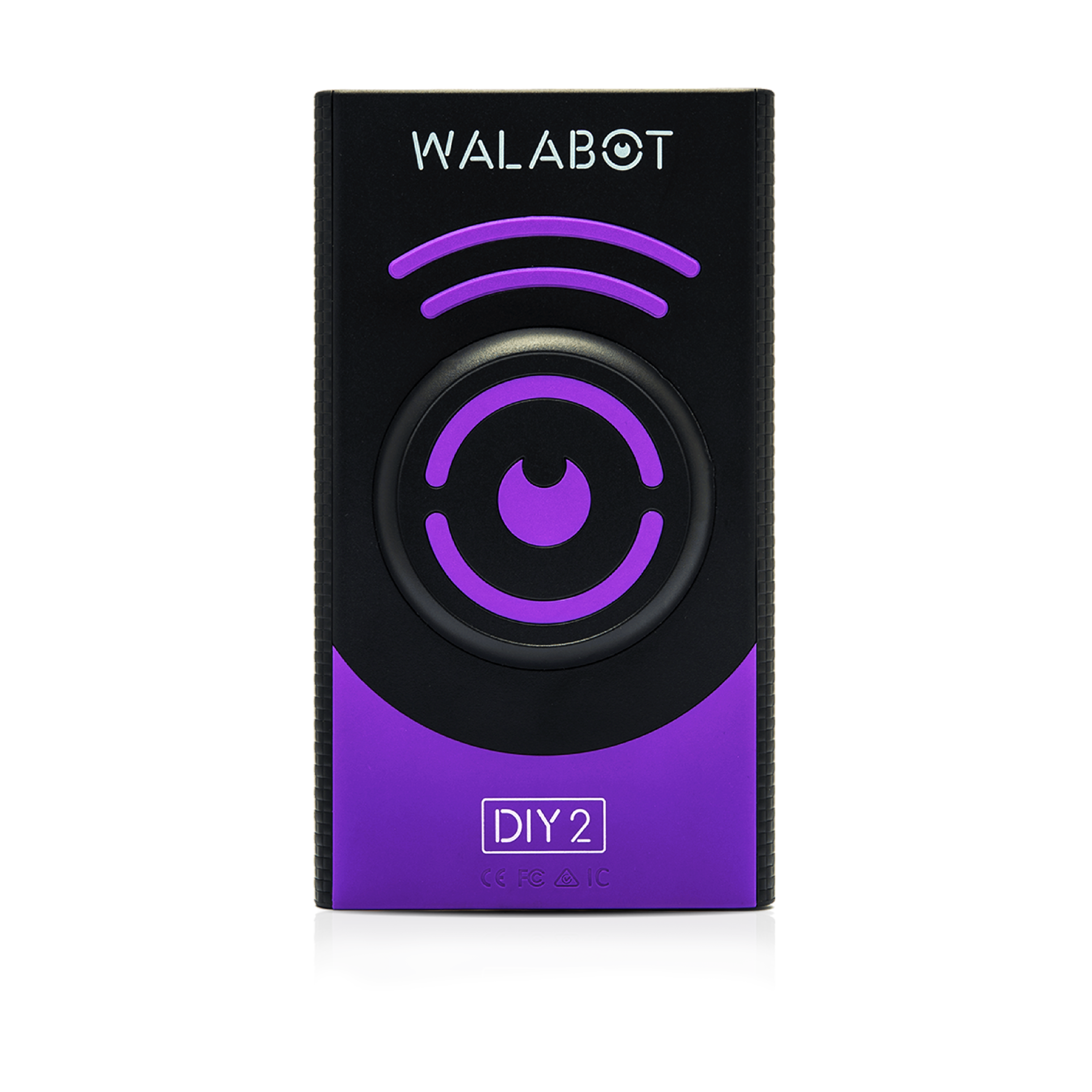
Explore this need in the finder →The Walabot DIY 2 is a rechargeable, phone-linked wall-imaging scanner, not a conventional beeper. The U.S. product page identifies the DIY 2 version and lists it in the maker’s DIY 2 product line; its captured page showed the base item sold out. That status is not a promise about later inventory or a claim that the manufacturer has stopped listing it. This is a source-based review of the documented model, not a hands-on test.
Two app views, different kinds of information
Walabot describes Images Mode as a graphic representation of wood studs, metal studs, and pipes or wires. Expert Mode exposes raw radar data that the maker says can help with complicated overlapping or intersecting responses. The manufacturer’s own guide describes using Expert Mode to follow a stud’s edges and locate its center. That wider picture may be useful when the question is more involved than “is there a stud-like response here?” It also means the user must interpret a screen image rather than a simple light or tone. A graphic is a radar-based interpretation, not an X-ray photograph of the cavity.
The product page also mentions pest-related viewing in Expert Mode. That claim does not turn a scan into a pest identification or a reliable statement about species, and it is not a reason to rely on the device for a high-consequence decision. For this category, the clearest buying case is the device’s documented stud, center, pipe, and wire imaging on a supported surface.
Read the depth ceiling and target together
Walabot advertises detection of objects up to four inches (10 centimeters) deep. The page does not provide a separate accuracy or guaranteed-detection figure for every stud, wall build, or object at that maximum. Treat four inches as the manufacturer’s comparison ceiling, not a promise that a particular framing member will always be visible from that distance. The image may show a stud and its center without proving what material produced every signal.
Walabot’s setup guidance calls for calibration when beginning work on a new wall. Keep the device in contact as the app directs, complete its calibration prompts, and read both modes conservatively. Mark a likely edge or center, compare it with other evidence, and re-check before making a hole. A scan result—or an apparently empty display—cannot establish that an area is safe to drill.
Surface compatibility is the hard boundary
The DIY 2 product page identifies drywall and plywood as the intended scanning materials. It explicitly tells users not to use the device on lath and plaster, concrete, tile, brick, metal-backed walls, or stucco. Those exclusions matter because wall scanners can lose a dependable baseline when layers, texture, backing, or material changes differ from the supported surface. A separate metal-reading mode on another tool would not rescue this product’s unsupported-surface case.
If your wall is conventional drywall, the Walabot’s visual approach is a credible reason to consider it. If the wall is lath-and-plaster, tiled, exterior, or metal-backed, do not purchase the DIY 2 on the assumption that the extra image mode makes it universal. Use a purpose-matched instrument or an appropriate independent inspection method.
The phone and battery are part of the system
The maker’s support page lists Android phones running version 8.0 or later and iPhone 7 or later. The device connects to the phone through its own Wi-Fi network, so a jobsite’s router or internet connection is not required for scanning; the app still has to be installed and paired. A phone that is incompatible, unavailable, or out of power is a real limitation, not a minor accessory detail.
The scanner has a rechargeable battery and charges from USB Type-C. Walabot’s support material estimates about four hours for a full charge and about three hours of scanning from a full battery; those are manufacturer estimates, not measurements from this review. The base product page names the device and charging cable but does not list a protective case or Walattach ring in this configuration. Check whether the exact offer is the base DIY 2 or one of the differently equipped Essential, Deluxe, or Premium bundles before ordering.
Assessment
Choose the DIY 2 when you want a phone-based wall image, both of the maker-described viewing modes, and a documented four-inch maximum on drywall or plywood. Its extra context comes with more setup, a compatible-phone dependency, a finite charge cycle, and a strict surface list. The product page’s price and availability can change; verify the exact SKU, included cable, phone requirements, seller terms, and current return conditions in the actual offer. Do not treat the scan as a safety test or a substitute for confirming what is behind the wall.
Key specifications
Key details at a glance
| Depth qualification | Walabot states a general object-depth maximum of 4 in / 10 cm. The reviewed maker material does not give a separately qualified wood-stud depth maximum, so the numeric questionnaire field for stated stud depth remains unknown; no four-inch stud claim is inferred. |
|---|---|
| Documented scan modes | ['Images Mode', 'Expert Mode'] |
| Center and edge indication | Yes |
| Live-wire meter | No |
| Battery requirement | Built-in rechargeable battery; charge over USB Type-C. The maker estimates about four hours to charge and about three hours of scanning on a full charge; those are manufacturer estimates, not independent runtime tests. |
Use the exact model’s instructions for operating limits, supplied equipment and version differences.
Sources for this review
Sources for this assessment
- Walabot U.S. all-products collection, captured on 2026-10-31
- Walabot Walabot DIY 2 exact U.S. product listing
- Walabot Walabot DIY 2 public product data (.js endpoint)
- Walabot DIY 2 exact U.S. product page
- Walabot support: how DIY 2 works
- Walabot support: compatible phones
- Walabot support: wall materials
- Walabot support: power and charge estimates
- Walabot support: use without venue Wi-Fi
- Walabot support: calibration on a new wall
- Walabot guide: best stud finder and wall scanner
- Walabot guide: beam finder / Expert Mode
- Walabot exact Walabot DIY 2 featured package image

Check this model against your wall
Use the finder to compare documented surface limits, center/edge indications and other requirements. A match is not a safety certification.